Configure-to-Order
A Configure to Order environment is one in which the product or service is assembled or kitted on receipt of the sales order. Oracle Applications supports the Configure to Order environment with a range of features in order entry, demand forecasting, master scheduling, production, shipping, and financial accounting.
Configure to Order:
- Includes Pick-to-Order (PTO) and Assemble-to-Order (ATO) items, ATO models, PTO Models and hybrids.
- Supports building configurations using other configurations as subassemblies (multilevel configure to order).
- Supports internal sourcing of ATO models at any level of Bill of Material (BOM).
- Supports purchasing of ATO models and items at any level of the BOM.
An optional item component in an option class or model bill of material.
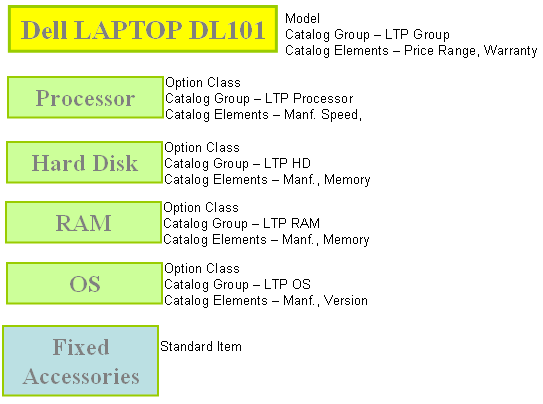
Model (Model Item)
An item whose bill of material lists option classes and options available when you place an order for the model item.
Option Class
A group of related option items. An option class is orderable only within a model. An option class can also contain included (standard) items.
An Option Class is a list of choices
Assemble–to–Order (ATO)
An environment where you open a final assembly order to assemble items that customers order.
Assemble–to–order is also an item attribute that you can apply to standard, model, and option class items.
1. Assemble–to–Order (ATO) Model
A configuration you make in response to a customer order that includes optional items.
Assemble-to-Order model consists of:
- Model bill of material with optional items and option selection rules
- Configuration manufactured from mandatory components and selected options
BOM Allowed : Yes
BOM Item Type : Model
Build in WIP: No
Customer Ordered : Yes
Custmer Order Enabled: Yes
OE Transactable : Yes
Assemble to Order : Yes
Pick Components : No
Planning Method : MPS Planning
Forecast Control : Consume or Consume & Derive
2. Assemble–to–Order (ATO) Option classSet of options present in a Model.
Shippable - NA, Stockable - NA, Transactable - NA
BOM Allowed : Yes
BOM Item Type : Option class
Build in WIP: No
Customer Ordered : Yes
Custmer Order Enabled: Yes
OE Transactable : Yes
Assemble to Order : Yes
Pick Components : No
Planning Method : MRP Planning
Forecast Control : Consume and derive if manufacturing the model. Null if it belongs to a purchase model
3. Assemble–to–Order (ATO) Item
An item you make in response to a customer order.
Shippable - Yes, Stock able - Yes, Transact able - Yes
Assemble-to-Order item consists of:
- Standard bill of material with standard components
- Item manufactured from standard components
BOM Item Type : Option class
Build in WIP: Yes, if using the autocreate program to generate supply—even if it is a buy item. Otherwise, it depends.
Customer Ordered : Yes
Custmer Order Enabled: Yes
OE Transactable : Yes
Assemble to Order : Yes. This value should be the same in all organizations
Pick Components : No
Planning Method : MRP Planning
Forecast Control : Consume.
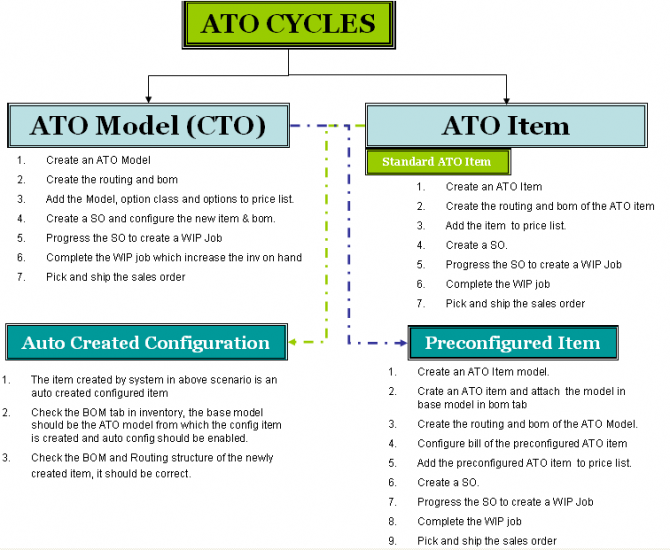
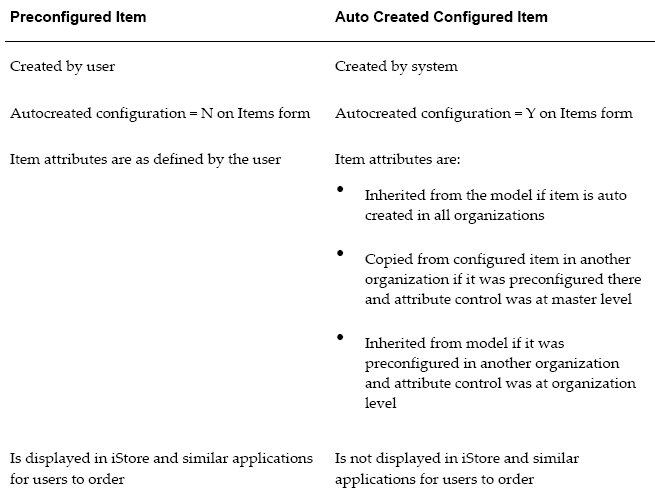
There are three types of ATO items:
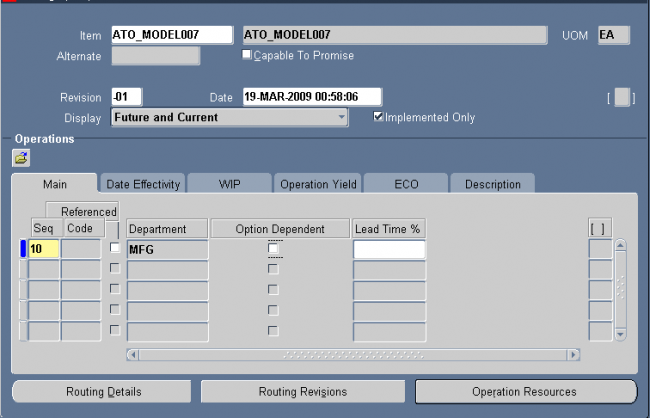
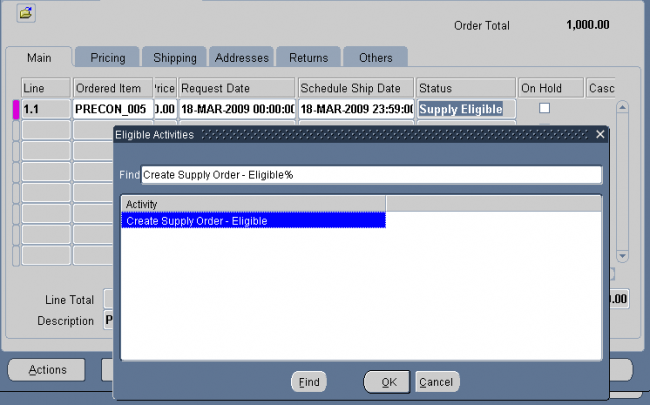
1. Standard ATO Items: These are standard items with the ATO flag checked on the OM tab of the item master.
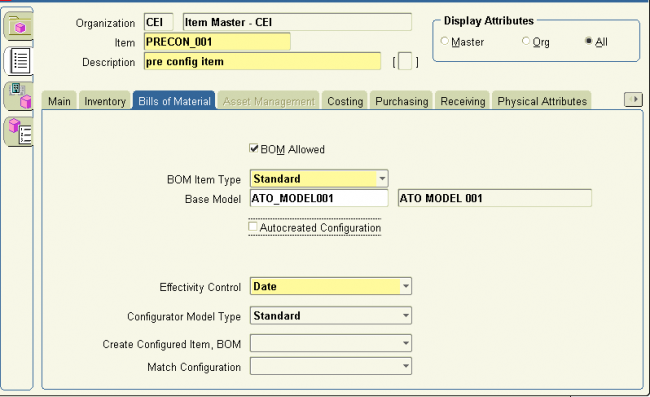
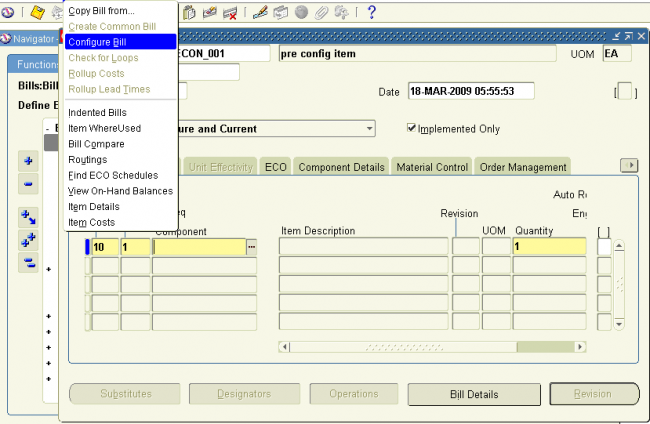
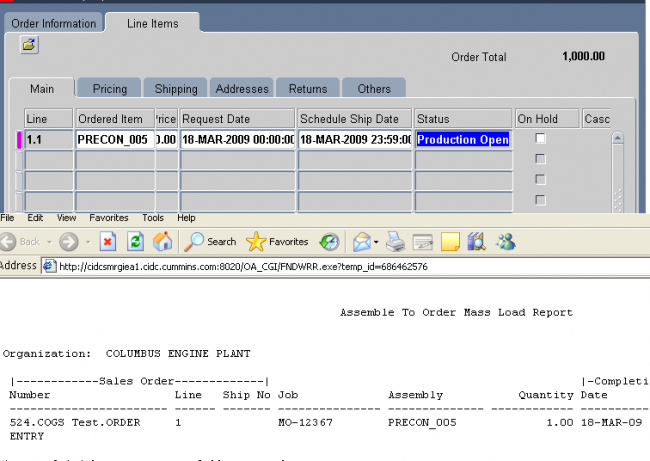
2. Preconfigured Items: An item defined by the user with a "Base Model" and a configured bill of material. These items have the following attributes:
- The ATO flag checked on the OM tab of the item master
- A Base Model defined on the BOM tab of the item master
3. AutoCreated Configuration Items: Configuration items created by CTO for a sales order which was placed for a model and options. These items have the following attributes:
- The ATO flag checked on the OM tab of the item master
- A Base Model defined on the BOM tab of the item master
- The Autocreated Configuration flag is checked
Pick–to–Order (PTO)
A configure–to–order environment where the options and included items in a model appear on pick slips and order pickers gather the options when they ship the order.
Alternative to manufacturing the parent item on a work order and then shipping it.
Pick–to–order is also an item attribute that you can apply to standard, model, and option class items.
Pick–to–Order (PTO) Model
An item with an associated bill of material with optional and included items.
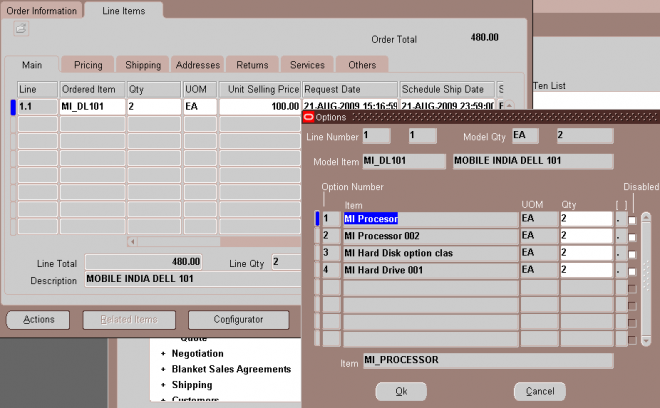
At order entry, the configurator is used to choose the optional items to include for the order.
The order picker gets a detailed list of the chosen options and included items to gather as separately finished items just before the order is shipped.
Shippable - NA, Stock able - NA, Transact able – NA & Ship Model Complete - Yes
BOM Allowed : Yes
BOM Item Type : Model
Build in WIP: No
OE Transactable : Yes
Assemble to Order : No
Pick Components : Yes
Planning Method : Not Planned
Forecast Control : Consume
Pick–to–Order (PTO) Option class
Set of options present in a PTO Model
Shippable - NA, Stock able - NA & Transact able - NA
BOM Allowed : Yes
BOM Item Type : Option class
Build in WIP: No
OE Transactable : Yes
Assemble to Order : No
Pick Components : Yes
Planning Method : Not Planned
Forecast Control : Consume & Derive
Pick–to–Order (PTO) Item (Kit)
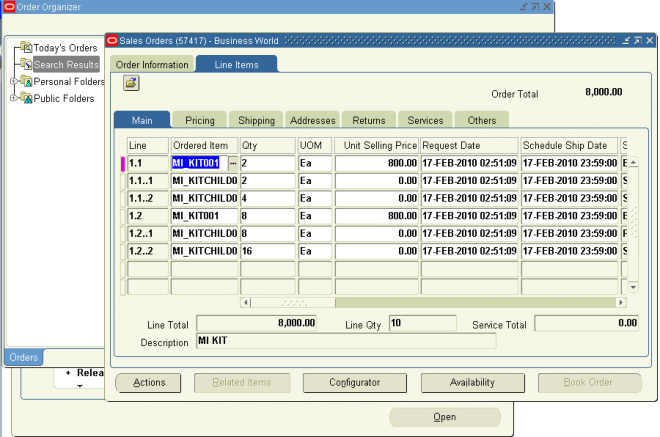
A predefined configuration order pickers gather as separately finished included items just before they ship the order. Also known as a kit.
A kit is an item that has a standard list of components (or included items) you ship when you process an order for that item.
A kit is similar to a pick–to–order model because it has shippable components, but it has no options and you order it directly by its item number, not using the configuration selection screen.