Oracle Projects
Peoject is a temporary endeavor undertaken to create a unique product, service, or result.
Temporary - Projects, unlike operations, have a definite beginning and end, with a defined budget, timeframe, and scope.
Unique - Every project is different, even if it’s for a similar product, service, or result. Performed by cross-functional project teams, people who are brought together from various groups specifically for that effort Projects are constrained by limited resources and must be planned, executed, and controlled.
Oracle Projects
The purpose of oracle project is to track and control work (activity) on a project.
- You track activity on a project by comparing actual activity with expected activity.
- Record actual activity as actuals (transactions).
- Record expected activity in a budget.
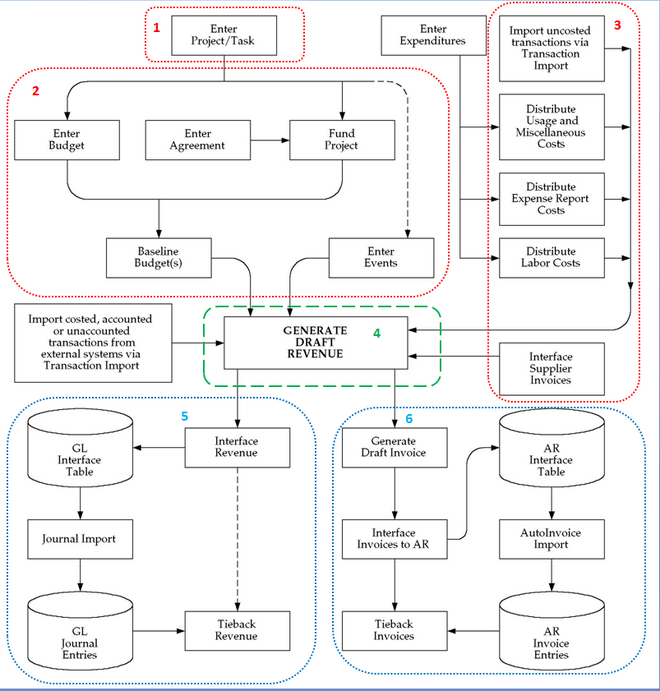
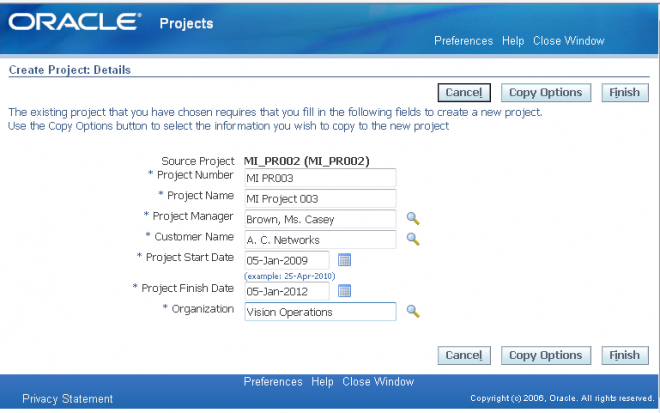
- Create a Project
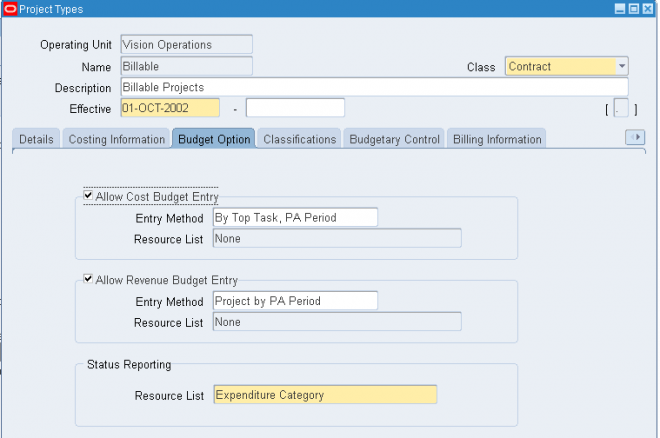
- Enter the Budget
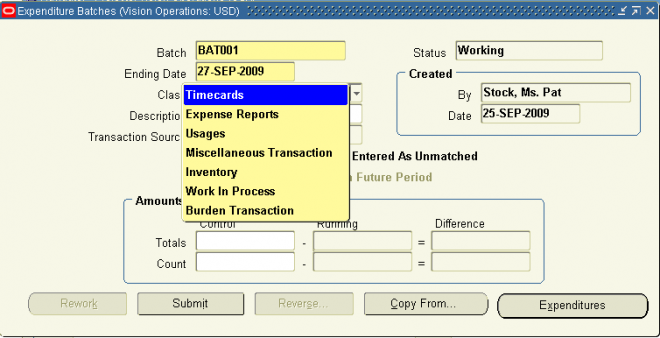
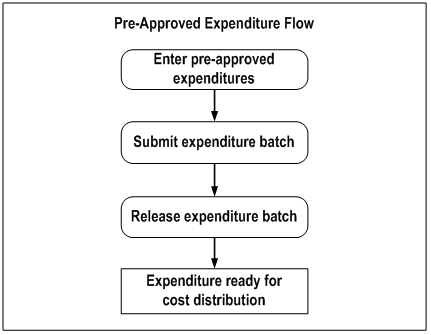
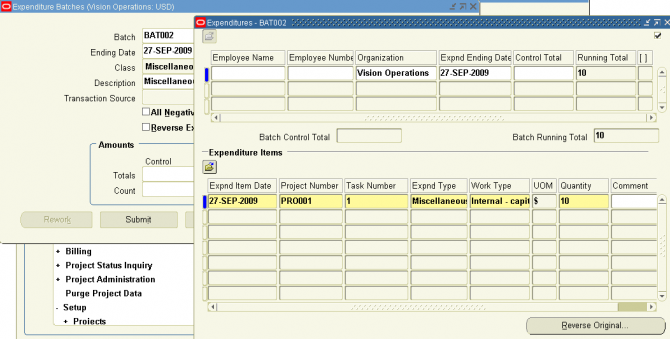
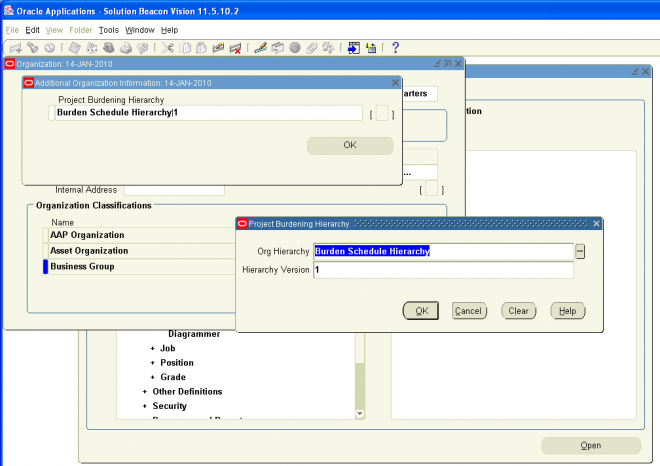
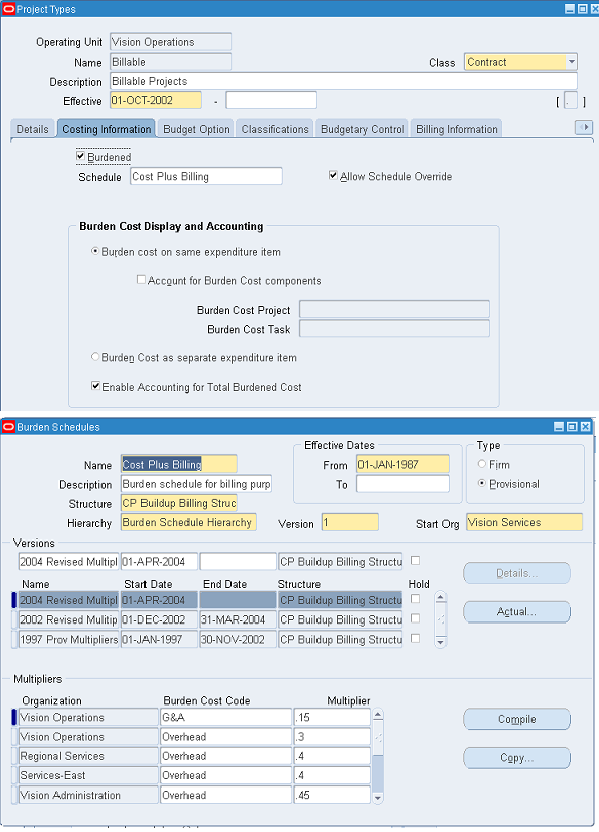
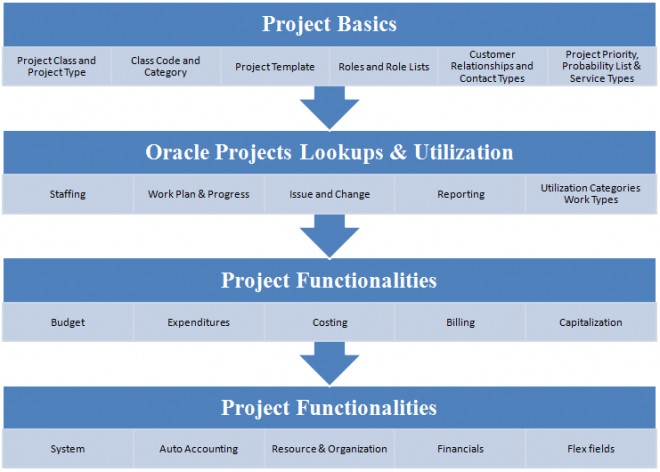
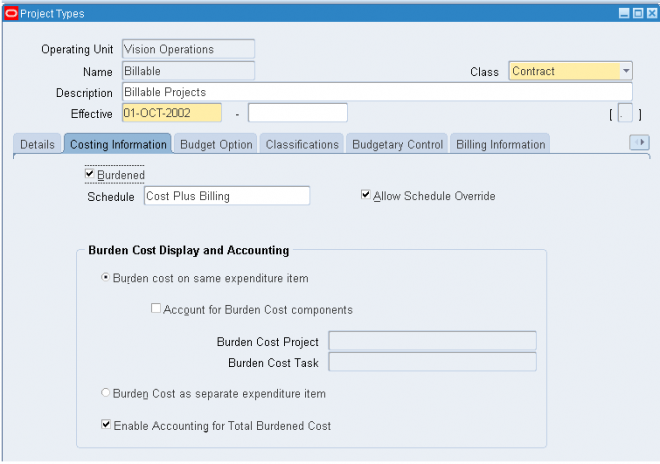
- Costing : Expenditure, Allocation, Burdening and Capitalization
- Billing : Agreement and Funding -- for Contractual projects , Revenue, Invoice Transactions
- Perform Analysis Reporting
Oracle Project Costing provides an integrated cost management solution for all projects and activities within an enterprise. With Project Costing you can manage costs across currency and organizational boundaries. Project Costing also acts as a central repository of project plans and transactions, processes project costs, and creates corresponding accounting entries to satisfy corporate finance requirements.
Project Costing gives operations managers and finance managers complete and timely access to project performance information and the resulting accounting impacts thereof. It also empowers line managers with timely, detailed cost information to monitor project performance in a productivity–enhancing format, and enables financial managers to track the total cost of running the business.
Oracle Project Billing
Oracle Project Billing enables enterprises to simplify customer invoicing, streamline corporate cash flow, and measure the profitability of contract projects. Using configurable accounting rules, Oracle Project Billing extends Oracle Project Costing functionality by processing actual costs, creating corresponding accounting entries for revenue accrual to satisfy corporate finance requirements, and creating customer invoices for project work. With Project Billing, project managers can review project invoices online and analyze project profiltibility, and accounting managers can see the corporate impact of
project work.
Oracle project suite
The applications that make up the Oracle Projects suite work together to provide a complete enterprise project management solution. They give you a flexible approach to defining and managing your projects and the people, schedules, deliverables, and finances associated with them.
At the aggregate level, enterprise project management involves the collection and coordination of corporate resources (such as people, money, and hard assets) to accomplish a predefined scope of work in a scheduled time frame and budget. Some enterprises only have projects that are internal in nature, such as projects that track time and costs related to marketing campaigns or infrastructure build-out programs for capital development. Alternatively, many enterprises are entirely project oriented: they derive their entire income stream from projects that provide client services. Oracle Projects includes billing functionality that enables these enterprises to generate project invoices of varying complexity for their clients.
Oracle Projects consists of the following products:
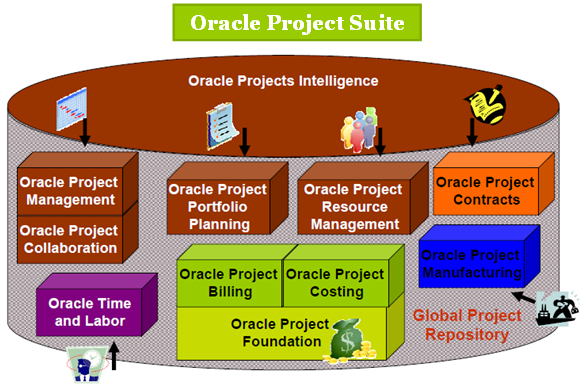
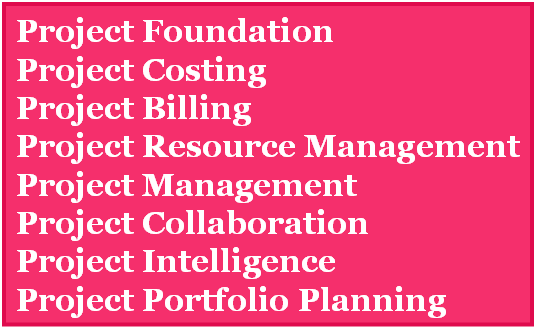
Shared Data
The implementation checklist summarizes each of the steps you follow to implement Oracle Projects. It includes setup steps for data that may be shared with other Oracle Applications but is required by Oracle Projects. If you have already defined this information when you implemented other Oracle Applications, you can skip those steps. This shared data includes:
- SOB/Ledger with GL
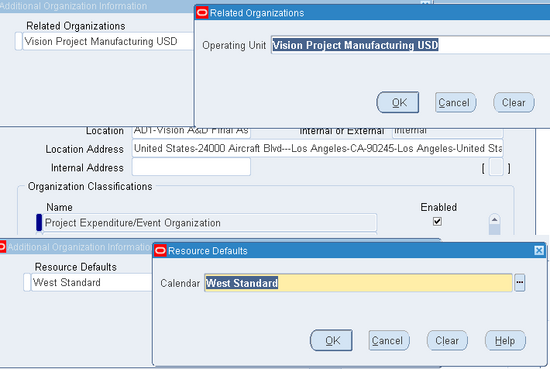
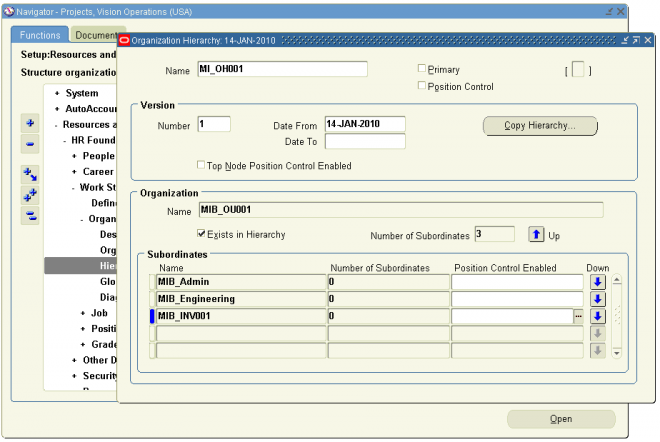
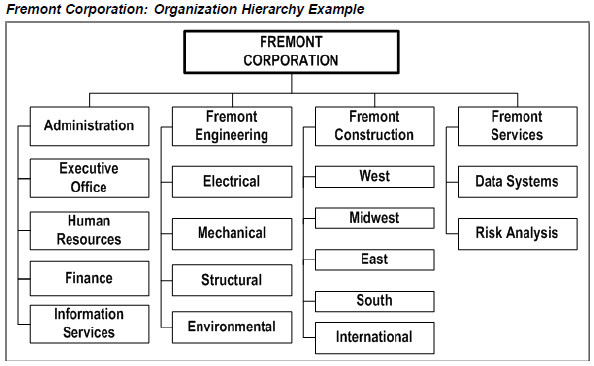
- Organizations, Job and Employees with HRMS
- Customers with OM
As you determine your implementation data, you must keep AutoAccounting in mind. The AutoAccounting feature in Oracle Projects derives values for account combinations based on project information for all accounting transactions in Oracle
Projects. Consequently, the way you organize your chart of accounts affects your implementation data. For example, if you charge several expense accounts for varied expenditures such as meals, travel and lodging, and airfare, then you need to implement an expenditure type that corresponds to each expense account. You can use most of the implementation data that you define for Oracle Projects as inputs to the AutoAccounting rules that you define.