Defining eAM Parameters

Tag:

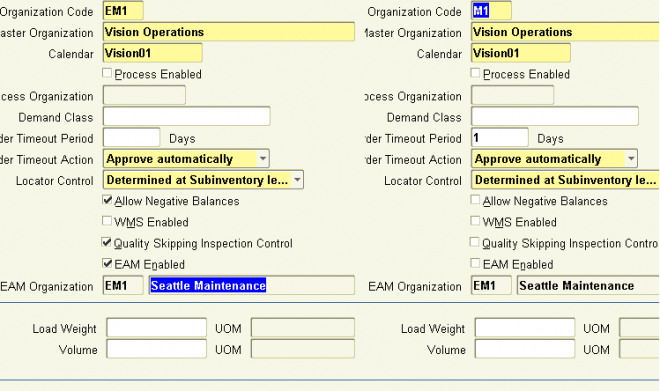
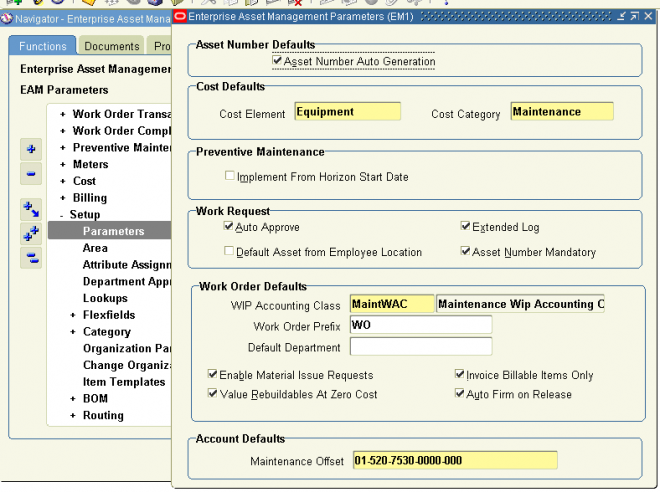
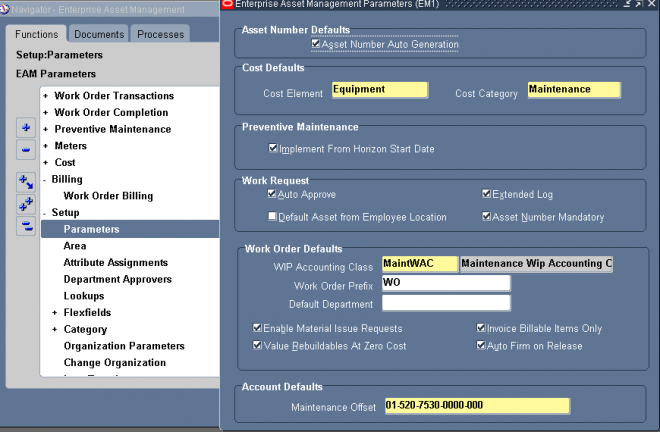
Now that you have established an Enterprise Asset Management enabled organization, you need to set up specific Enterprise Asset Management parameters that determine organization level defaults for individual transactions. You will set
up information, such as Maintained Number defaults, Cost defaults, Work Request information, and Work Order defaults.

To define Enterprise Asset Management parameters:
Navigate to the Enterprise Asset Management Parameters window.

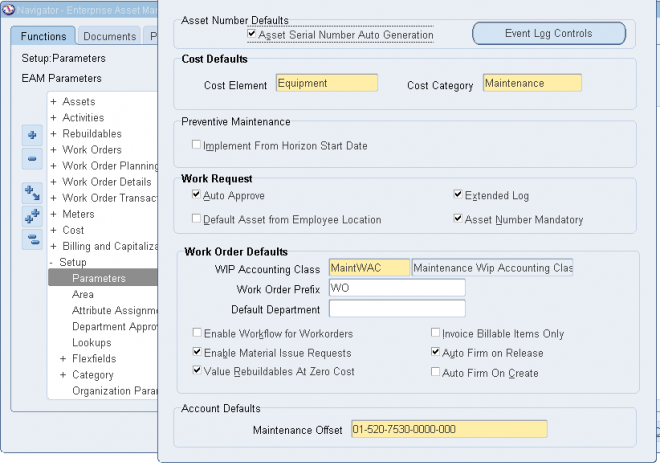
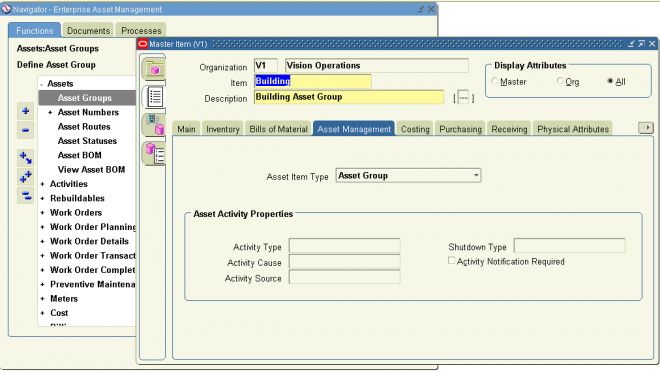
1. Optionally, indicate whether this organization has system generated asset numbers within individual asset groups. You can specify the starting serial number within the Organization Parameters window, and/or the Master Item window when defining Asset Groups. If the starting serial number is defined for the Asset Group, this definition will overwrite the starting serial number within the Organization Parameters.

2.1 The Cost Defaults region represents default cost information for future Work Orders, without defined cost elements within the Work Order.
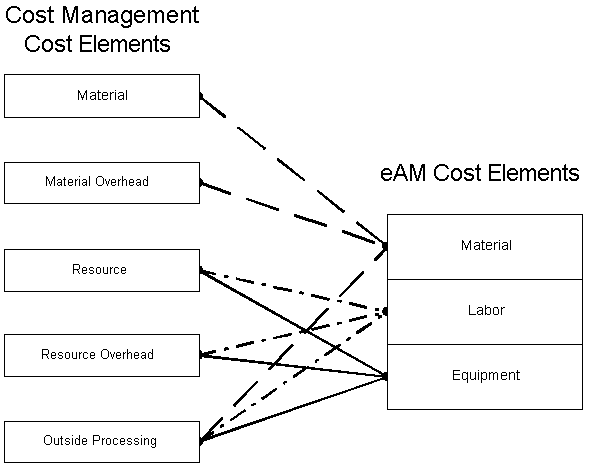
Select an Enterprise Asset Management Cost Element to indicate how to capture cost overheads, and any miscellaneous resource costs. Valid values are Equipment, Labor, and Material.

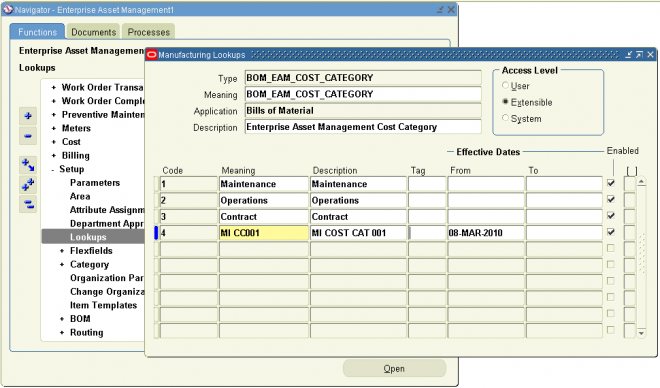
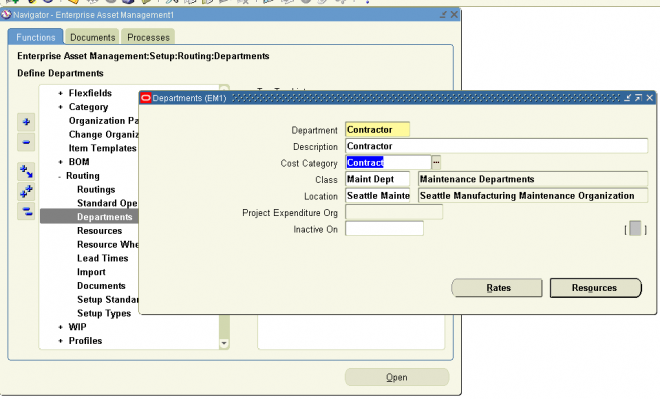
2.2 Select a Cost Category to use as the default for departments that do not have a cost category defined. Department costs are then posted to the appropriate cost elements. Valid values are Maintenance, Operations, Contract, and any other values that you might have added within the extensible lookup table.

3. Enable Implement from horizon start date from preventative maintenance.

4. Select a Request Type from the list of values. The type selected (Work Request or Service Request) is the request type generated. An organization can utilize either Service Requests or Work Request, but not both. The Service Request can be associated to a maintenance Work Order within Enterprise Asset Management. An organization can change from one request type to the other, as long as there are no existing, open requests.

4.1 Indicate whether Work Requests are automatically approved upon creation, or if every user, with the responsibility assigned to the asset’s current owning department, will get a notification via Workflow.This notification can be viewed within self service, within the responsibility you use to log in.
If the Auto Approve check box is selected, Work Requests are created with a status of Awaiting Work Order. If the check box is not selected, Work Requests are created with a status of Open.

4.2 If you choose the Extended Log check box, the system will keep an audit trail of  records, when defining or updating Work Requests.

5.
From the list of values, select the WIP Accounting Class default to ensure that Work Orders generated within Enterprise Asset Management will have an established account code structure assigned, to accept charges incurred by that Work Order. The WIP accounting class codes available in the list of values will be of type, Maintenance. If a Maintenance type WIP accounting class does not exist, you can define a new one .
Note: A Work Request status needs to be Awaiting Work Order before it can be linked to a Work Order. The Awaiting Work Order status means that the Work Request is approved.
Note: Oracle Cost Management handles maintenance Work Orders as non-standard, expense jobs.

5.1 Optionally, enter a Work Order Prefix. A prefix enables your organization to identify routine Work Orders.

5.2 Optionally, select a Default Department. Oracle recommends that you select a default department. This department defaults to maintenance Work Orders as they are entered. If a department does not exist on a Work Order, it cannot be released.

5.3 If you select the Auto Firm On Release check box, the dates on the Work Order cannot be re-scheduled automatically.

5.4 Indicate whether Material Issue Requests are enabled.

5.5 Indicate whether only billable items are invoiceable.
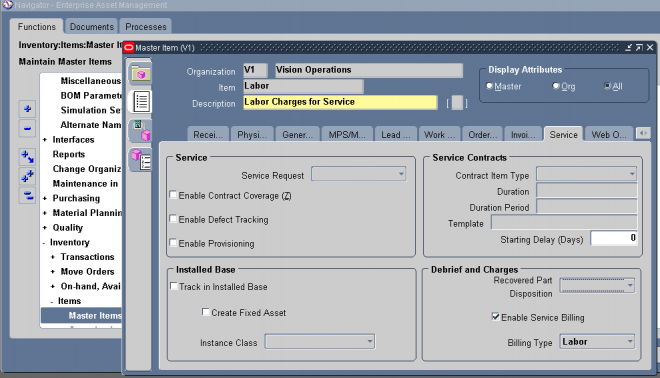
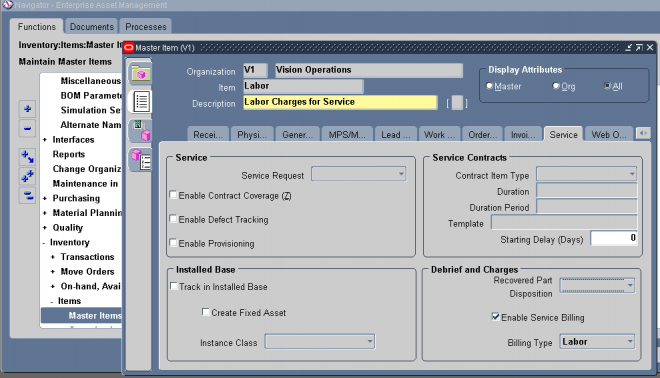
If the Invoice Billable Items Only check box is selected, only billable items can be invoiced. However, the item needs to be invoiceable and the Billing Type check box needs to be selected.
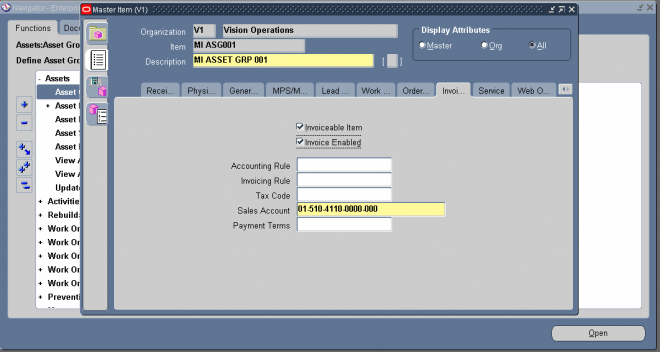
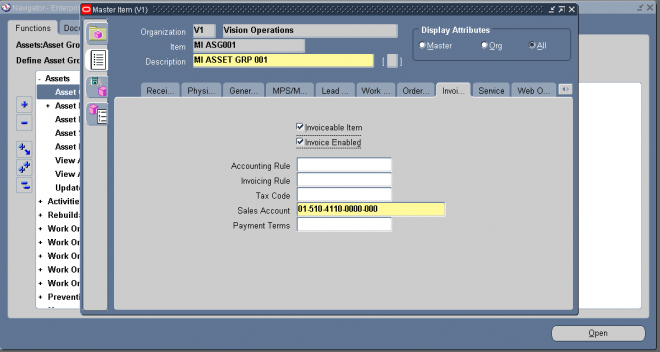
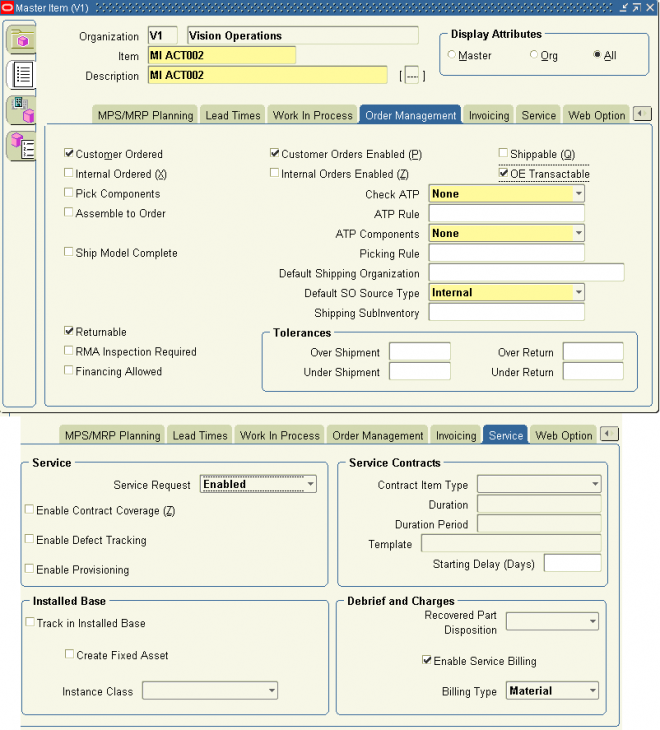
If the Invoice Billable Items Only check box is not selected, any item can be invoiced if they are invoiceable within the Master Item window (Invoiceable Item and Invoice Enabled check boxes selected within the Master Item window.)the item only needs to be invoiceable

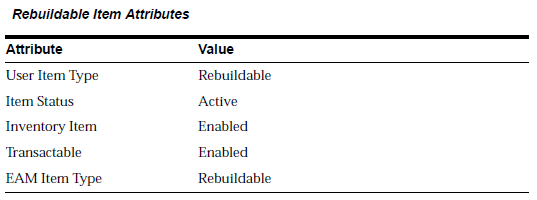
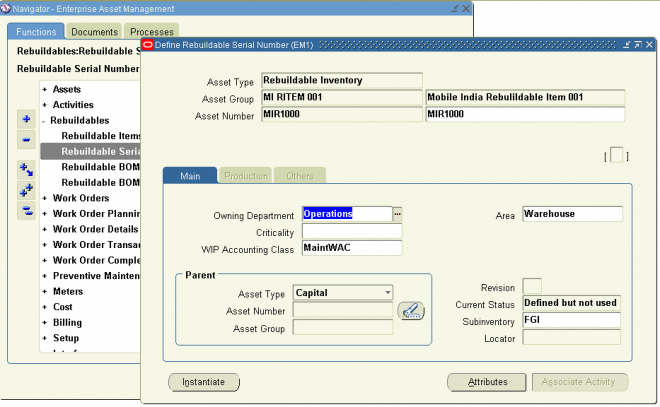
6. Within the Account Defaults region, select a Maintenance Offset account. You can create or break a Parent/Child (hierarchy) relationship that exists between an Asset Number and a Serialized Rebuildable, manually using the Configuration History page. This account records what is sent to Inventory when a Rebuildable is removed from an Asset, and then brought back into Inventory.
For example, if the relationship is broken, the Asset or Rebuildable is sent to either Scrap or Inventory. If the Rebuildable is sent to Inventory, the accounting is as follows:
Dr. Inventory
Cr. Maintenance Offset

Comments

Post new comment

The content of this field is kept private and will not be shown publicly.
All Rights Reserved. Copyright 2008-11 OracleUG.com.